Check UV and sun timing
See current UV plus sunrise and sunset so you can plan smart outdoor time.
SunnyDay for iOS
Track your daily light exposure with Apple Health Time in Daylight data, check live UV and sun timing, and build better routines over time.
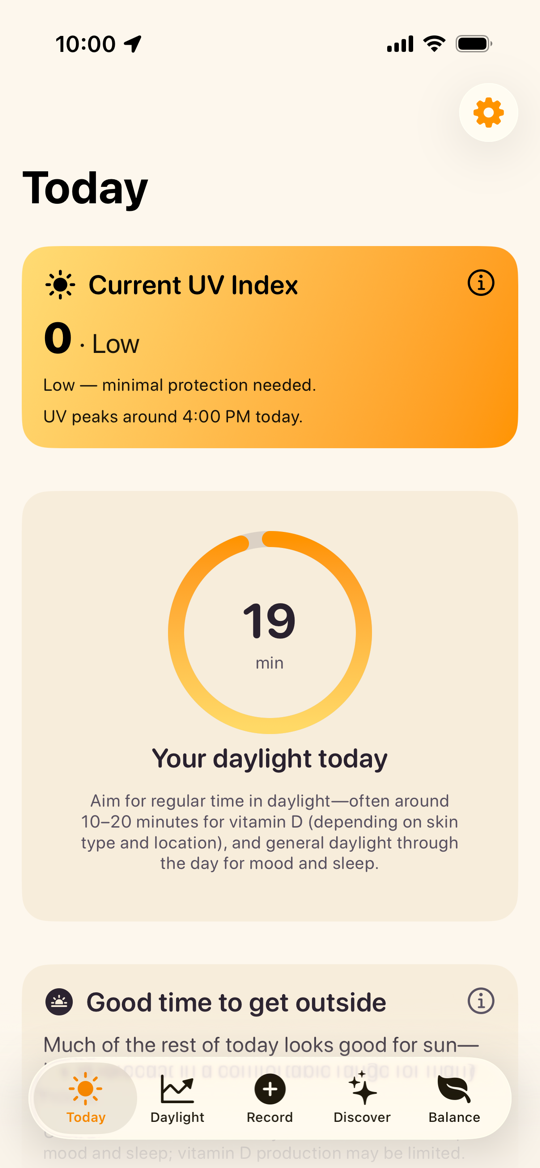
See current UV plus sunrise and sunset so you can plan smart outdoor time.
Use Apple Health data to understand your daily and weekly light exposure trends.
Use simple tracking and reminders to make sunlight habits easier to sustain.
Visualize 7 / 30 / 60 / 90 day exposure history and review your day-by-day pattern.
Learn about mood, sleep, and vitamin D in simple language while you track progress.
Today
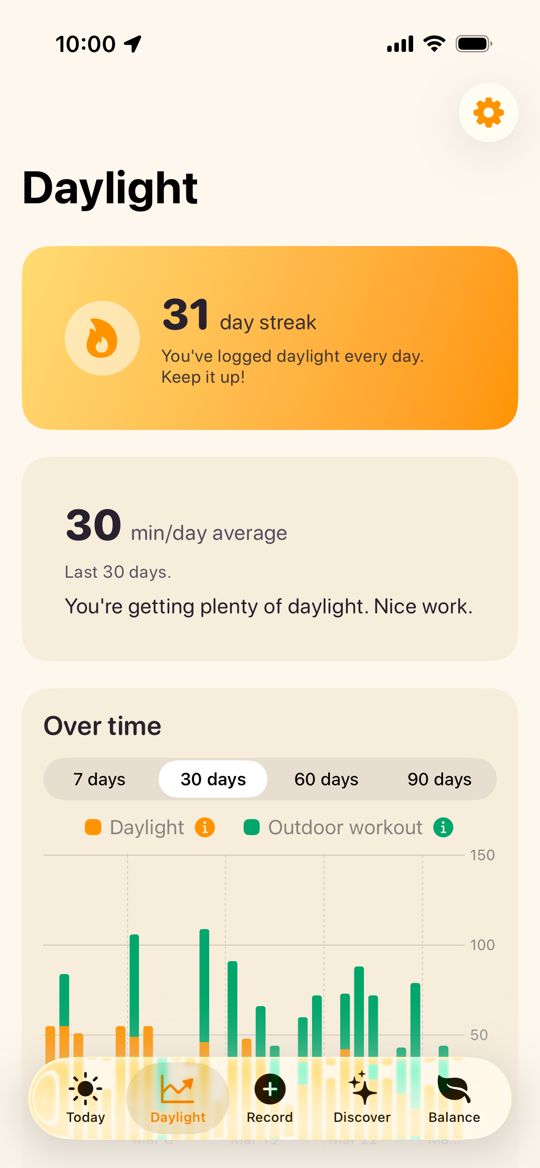
Daylight
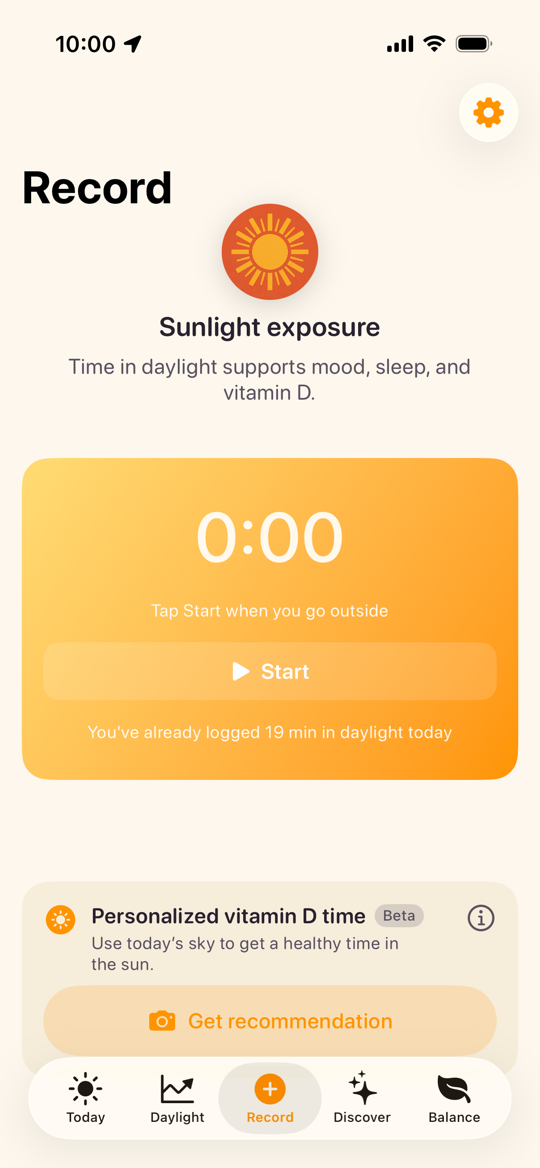
Record
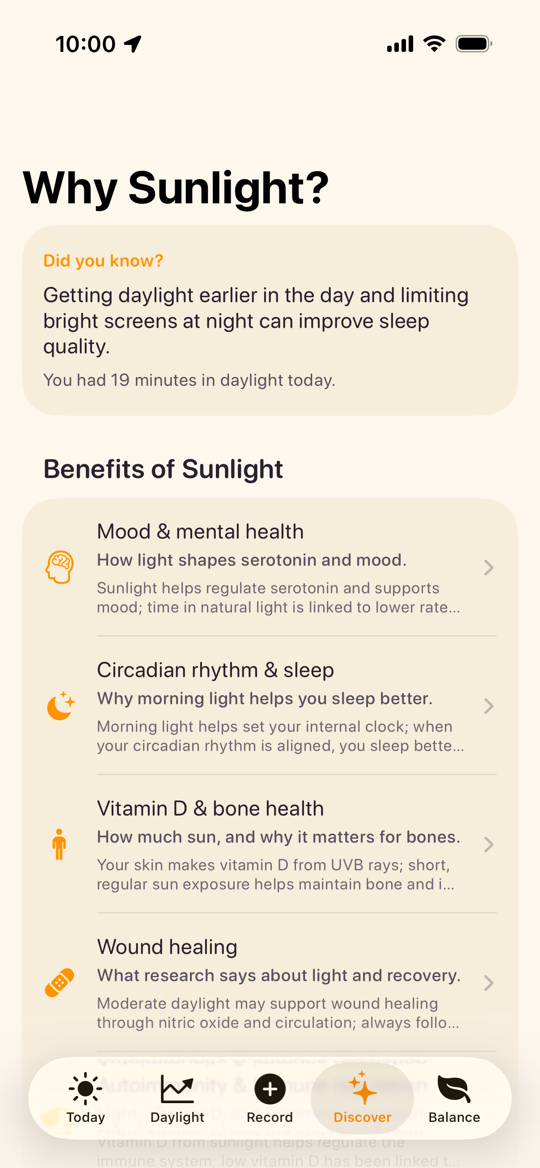
Discover
SunnyDay stores your app data on-device and does not send your Health data to a backend.
Built with Apple Health and WeatherKit for daylight tracking and UV-aware guidance.
Need help with SunnyDay? Contact us at support@sunny-day.app.
SunnyDay requires iOS 26 or later on iPhone. For Apple Health Time in Daylight data, you need a compatible Apple Watch (SE 2, Series 6, Ultra, and newer).
Yes. You can still use UV and sun timing features and manually record daylight sessions. Apple Watch is needed only for automatic Time in Daylight tracking from Health.
For exposure tracking features, yes. SunnyDay reads and writes the Time in Daylight quantity type for history views and manual recordings.
No. SunnyDay is a general wellness app and does not provide medical advice, diagnosis, or treatment.
